Scheduling that catches its own mistakes
Build next week's schedule in minutes and publish it to every phone — Vera flags overtime and rest-rule violations while you're still building, and open shifts fill themselves.
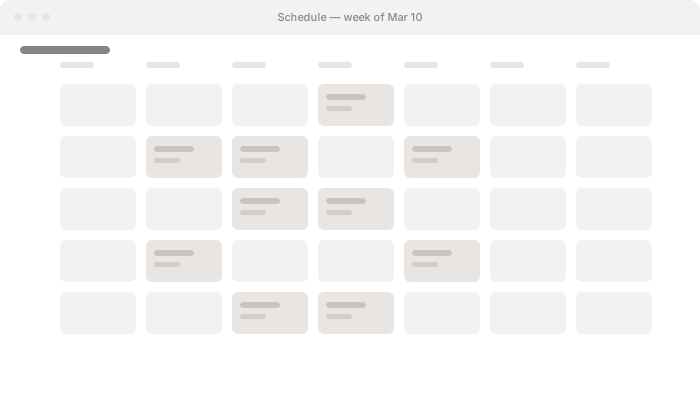
Build the week once, publish it to every phone
Drag shifts together in a calendar, not a spreadsheet — then publish and the whole team knows their week at once, not through a group text.
- Drag the week together in a calendar view
- Publish to the whole team the moment it’s ready
- Staff open the app and see their week — no group text
- Shift swaps that don’t need a phone tree
Guardrails you don’t have to remember
Vera checks every shift against overtime and rest rules while you're still building — so the schedule that breaks them never makes it out the door.
- Overtime flagged as you build, not on payday
- Rest-rule and minimum-gap violations caught before you publish
- Fix problems before the team ever sees them
- Build with confidence — nothing to double-check on a spreadsheet after
Open shifts that fill themselves
Post an open shift and anyone qualified can claim it — or let a shift someone can’t work look for its own cover.
- Post open shifts for anyone qualified to claim
- Staff request cover for a shift they can’t work
- Managers approve the swap, not chase it down themselves
- Coverage gaps close from a phone, not a phone tree
Availability & time off, built around who’s actually free
Staff set their own availability and request time off — Vera keeps the rules effective-dated, so the schedule only offers shifts to people who can actually work them.
- Staff set recurring availability from their phone
- Time-off requests approved in the same place as the schedule
- Availability changes take effect on the date you set, not immediately
- Schedules respect availability and approved time off automatically
Next: time clock. Clock-ins roll up ready to pay.
The schedule you publish becomes the shifts your team clocks in against — punches roll up for a manager to approve, then flow straight into payroll.
See your real schedule on Vera
A 30-minute walkthrough building next week's schedule on your own team — no slideware.